PUBG MOBILE FLASH: the lightweight PUBG Mobile app explained
By Vnhax · Updated
Quick answer
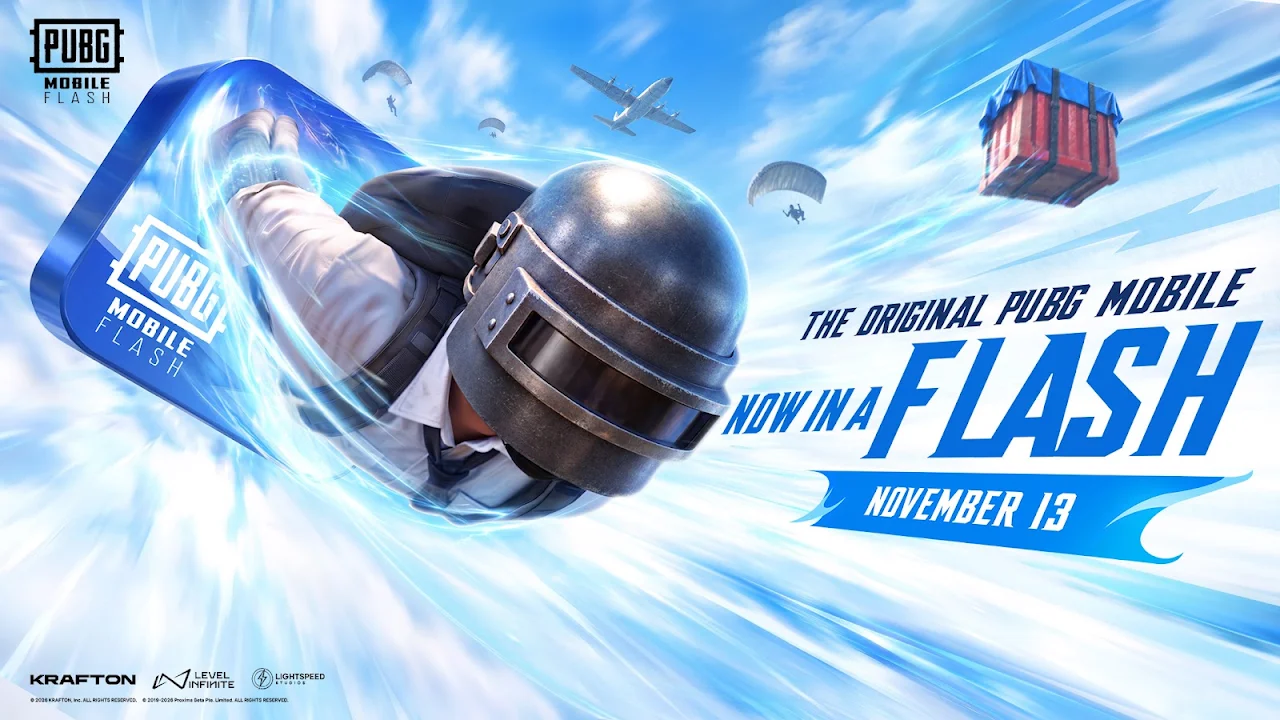
PUBG MOBILE FLASH is the official lightweight version of PUBG Mobile, published by Level Infinite. It launched worldwide on 13 November 2026, one day after PUBG Mobile 4.7. It installs in under 0.96 GB on Android and under 1.75 GB on iOS, comes with Erangel and Classic Battle Royale ready to play, and shares your account, friends and items with PUBG Mobile.
| App | PUBG MOBILE FLASH |
|---|---|
| Launch | 13 November 2026 (App Store and Google Play) |
| Android size | Under 0.96 GB |
| iOS size | Under 1.75 GB |
| Account | Shared with PUBG Mobile |
| Publisher | Level Infinite |
| Package | com.tencent.igfit |
| Price | Free to play, with in-game purchases |
What is PUBG MOBILE FLASH?
PUBG MOBILE FLASH is the official lightweight app in the PUBG Mobile ecosystem, made for phones with little storage or entry-level hardware. It was first announced as PUBG Mobile Light and renamed FLASH before launch; only the name changed.
It launched worldwide on the App Store and Google Play on 13 November 2026, one day after PUBG Mobile 4.7 finished rolling out, after more than 27 million pre-registrations.
How big is PUBG FLASH?
The first download is under 0.96 GB on Android and under 1.75 GB on iOS. Erangel and Classic Battle Royale are included, so you can play a match straight away.
Other maps, modes, events and resources download only when you choose them, with a confirmation before each download. A clean, minimal lobby and lighter visuals save more space, and outfits you have not downloaded show a temporary look until you fetch the full version.
Same account, same friends
FLASH is not a separate game. You log in with the same account as PUBG Mobile, keep your friends and in-game items, get the same updates, and can play matches together with players on the full app.
Made for more phones
FLASH has dedicated graphics optimizations for entry-level and mid-range phones, plus improvements to frame rate, stability, battery use, memory use and start-up time.
Which PUBG Mobile version should you download?
PUBG Mobile is published separately in some regions. Each version has its own servers, events and store, so pick the one for the region where you play:
- PUBG Global: worldwide, published by Level Infinite.
- PUBG Korea (KR): South Korea and Japan, published by KRAFTON.
- PUBG Taiwan (TW): Taiwan, Hong Kong and Macau, published by HotCool Game.
- PUBG Vietnam (VN): Vietnam, published by VNG.
- BGMI: India, published by KRAFTON.
How to download and install PUBG FLASH
Use the Download button at the top of this page to get PUBG FLASH. Install steps for Android:
- Keep plenty of free storage, because the game downloads extra resource packs on first launch.
- Download the file for your device.
- If Android asks, allow installs from this source for your browser or file manager.
- Open the file, tap Install, then launch the game and let it finish downloading its resources.
- FLASH can stay installed next to the full PUBG Mobile app; both use the same account.
- Log in with your existing account: progress, skins and rank are saved to the account, not the phone.
Sources: Google Play: PUBG MOBILE FLASH · tbreak: PUBG Mobile FLASH launches worldwide · JustForGamerz: 4.7 Arctic Chronicles and FLASH